
How to clean your laptop
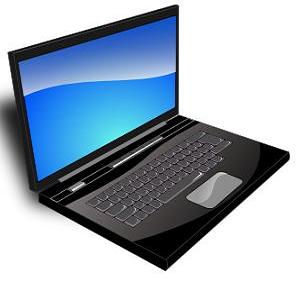 I have been asked a few times by customers how I manage to get their laptops so clean before I return them, so thought I might provide the steps I use in the Workshop to clean laptops.
1. A 2″ paintbrush
This is not an ‘artist’s brush’ but a small version of the kind of brush you would use to paint a door or window frame. The brush is pure bristle because synthetics can develop static and harm the internal components, but as this cleaning only refers to the exterior of the machine, its ok to use any small paintbrush.
What I do is work the bristles of the brush into the hinges, top section, and keyboard of the machine. This is a great way to get out those small particles that sit under the keys. Working the bristles horizontally and then vertically across the keyboard will usually get rid of most of the garbage thats in there.
2. Vinegar and distilled water
I have tried a lot of different commercial products over the years, and this is, by far, the best thing for cleaning laptops that I have seen. The reason is that it leaves the screen and plastics absolutely streak free.
Use a soft microfibre cloth and spray a bit of 50/50 vinegar and distilled water on it. Gently rub across the screen until its well scrubbed. The moist cloth wont harm the laptop, but take care that its not damp enough to drip anything into the bezel of the screen.
Once thats done, gram another, dry cloth, and polish. This will remove any wet residue and should leave the screen glossy. If there are still any marks simply repeat the process.
3. Compressed air
Cans of compressed air can be bought from K Mart and also from Officeworks, also any electronics shop (ie, Jcar, Dick Smiths) should have it.
Locate the air vent at the side or rear of the chassis and blow a liberal amount of compressed air into it. With most laptops this will cause the fan to rotate quickly and a blast of dust to come out.
Some laptops have an air intake at the base (underneath) of the machine. Look for this also and blow a liberal amount of air through.
Ensure you blow the air in both directions to make sure any garbage thats in there will come out.
Lastly, inspect the inside of the vent and ensure there are no clumps of debris in there. If there is, be sure to get your laptop serviced – as these will not come out with air pressure and can stop the fan if they get jammed between the blades and the cowling.
Questions?
Feel free to give me a call on 0422214996. Happy to discuss this article.
Posted in: Tips
Leave a Comment (0) →